The LinkedIn Profile Final-Year Students Actually Need
A section-by-section LinkedIn profile template for final-year students applying for graduate jobs in the UK and Ireland.
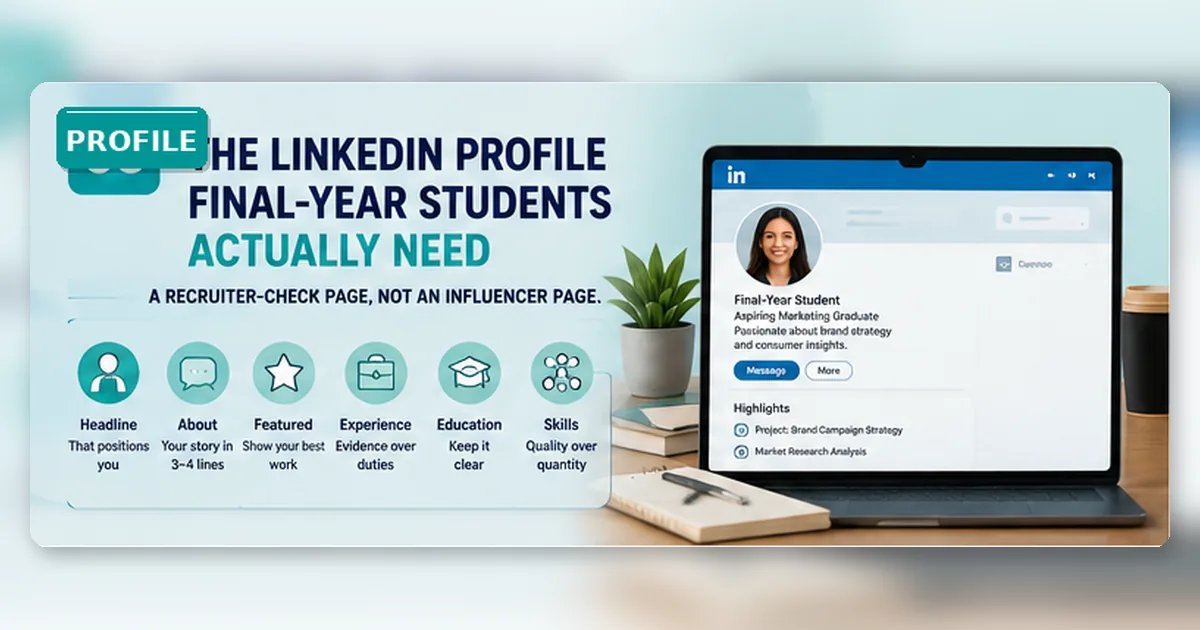
Most final-year students do not need a dramatic LinkedIn brand.
They need a clear recruiter-check page.
That is a much smaller, more useful target. A recruiter or hiring manager should be able to open your profile and understand your degree, location, likely role direction and evidence in under a minute. They do not need a motivational essay. They do not need weekly thought leadership posts. They need enough confidence that your CV and profile tell the same story.
What a recruiter should understand in one minute
Build a profile that supports applications, not one that tries to impress everyone.
A useful final-year LinkedIn profile does six jobs:
- shows who you are and what role family you are targeting;
- makes your degree and university easy to understand;
- translates part-time work, projects and volunteering into evidence;
- highlights two or three relevant outputs;
- includes skills recruiters might search for;
- avoids contradictions with your CV and applications.
LinkedIn Help explains that application information can include your profile plus submitted materials such as resumes, cover letters, answers and contact details. That does not mean every recruiter studies every profile. It means your profile should not be an afterthought.
Treat the profile as the public version of your application evidence. For the written version, use GradSharp’s guides to graduate CV evidence, KPMG-style CV screening and cover letters.
What students worry about
Students often worry that their profile is too empty.
Usually the problem is not emptiness. It is unprocessed evidence.
“Student at University of Bristol” or “Business student at UCD” tells the reader almost nothing. A stronger profile says something like:
Final-year business student interested in operations, analytics and customer-facing graduate roles. Experience in part-time retail supervision, Excel reporting and society event coordination.
That is not flashy. It is useful.
The profile template
1. Headline
Use the headline to make your direction clear.
Weak:
Final-year student | Looking for opportunities
Better:
Final-year economics student | Interested in data, policy and commercial analyst roles
Better still if true:
Final-year computer science student | Python, SQL and web projects | Seeking software or data graduate roles
The headline should not trap you in one job title, but it should tell people what kind of roles make sense.
2. About section
Keep it short. Four to six lines are enough.
Use this structure:
- what you study;
- what roles interest you;
- what evidence you already have;
- what you are currently building or applying for.
Example:
I am a final-year psychology student interested in people analytics, HR and customer insight roles. My experience includes part-time hospitality work, survey analysis in a research methods project and committee work for a university society. I am currently building stronger Excel and data-visualisation examples while applying for graduate roles in the UK and Ireland.
This sounds human because it is specific. It does not pretend the student is already a senior professional.
3. Featured section
Use this only if you have something useful to show:
- portfolio;
- GitHub project;
- dissertation poster;
- case competition slide;
- writing sample;
- small data dashboard;
- society campaign or event evidence.
Do not add random certificates just to fill the space. One relevant project beats six weak badges.
4. Experience section
Write experience entries like CV evidence, not job descriptions.
Weak:
Worked in a café. Served customers. Used till.
Better:
Served 80–120 customers per shift in a busy café, handled payment queries and trained two new staff on opening routines.
For society roles:
Coordinated weekly events for a 70-member society, negotiated room bookings and created sign-up forms that improved attendance tracking.
For projects:
Analysed survey data from 120 responses for a final-year project and presented findings to a seminar group using Excel charts and a 10-slide summary.
The point is not to inflate. It is to translate.
5. Education section
Add degree, university, dates, relevant modules and project themes. If your modules connect to the role, say so.
A finance applicant might mention corporate finance, statistics, Excel modelling or accounting. A marketing applicant might mention consumer behaviour, analytics, campaign planning or research methods. A software applicant might mention programming languages, databases, web development and team projects.
6. Skills section
Skills should reflect your target roles. Avoid stuffing the list with everything you have ever heard of.
Use role-family clusters:
| Direction | Skills that may be worth showing if true |
|---|---|
| Data / analytics | Excel, SQL, Python, Power BI, statistics, data cleaning |
| Marketing | campaign planning, copywriting, analytics, market research, Canva, CRM |
| Finance | Excel, financial analysis, reporting, accounting, commercial awareness |
| Operations | process improvement, scheduling, customer service, stakeholder communication |
| Policy / research | research methods, writing, data interpretation, briefing notes |
Only include skills you can discuss.
Consistency, searchability and evidence carry the profile
Consistency matters. Your LinkedIn profile, CV and application answers should not tell three different stories.
Location matters. If you are applying in Ireland, the UK or both, make it clear where you are available and whether you understand the market.
Evidence matters. A profile full of adjectives is weak. A profile with two or three concrete examples is stronger.
Banners, posting volume and connection counts are secondary
A perfect banner image matters less than a good headline. Posting every week matters less than a clean Experience section. Having thousands of connections matters less than being searchable for the right role family.
Do the boring parts first.
LinkedIn profile checklist
Before applying, check:
- headline says role direction;
- About section is specific;
- education dates are correct;
- Experience entries show evidence;
- skills match target roles;
- CV and profile do not contradict each other;
- contact details are professional;
- location is realistic;
- there are no old jokes, half-written entries or unexplained gaps.
Make one profile-to-CV consistency check
Day one: fix the top third — photo, headline, location, education and About section. Do not spend the evening choosing a banner.
Day two: rewrite three Experience entries: one part-time job, one academic project and one society, volunteering or responsibility example.
Then apply to one role and check whether the profile supports the application. If it does not, fix the profile before sending ten more.
FAQ
Do final-year students need LinkedIn?
Most do. It is not always the main application route, but it is often a verification page and employer research tool.
What should I put in the headline with no experience?
Use degree, role direction and two honest evidence signals. For example: “Final-year biology student | Lab project, data handling and customer service experience | Interested in healthcare and research roles.”
Should I say “open to work”?
You can, but it is less important than a clear profile. If you use it, make sure the roles listed are realistic.
Should I connect with recruiters?
Yes, selectively. A clean profile and relevant message matter more than the number of connections.
Source-checked notes
Checked on 15 June 2026 against UCAS LinkedIn student guidance, LinkedIn Help and UK and Ireland graduate outcomes context.