How UK and Ireland Students Should Use LinkedIn Before Applying for Graduate Jobs
A practical LinkedIn search workflow for UK and Ireland students: find employers, decode role titles, check alumni signals and then apply properly.
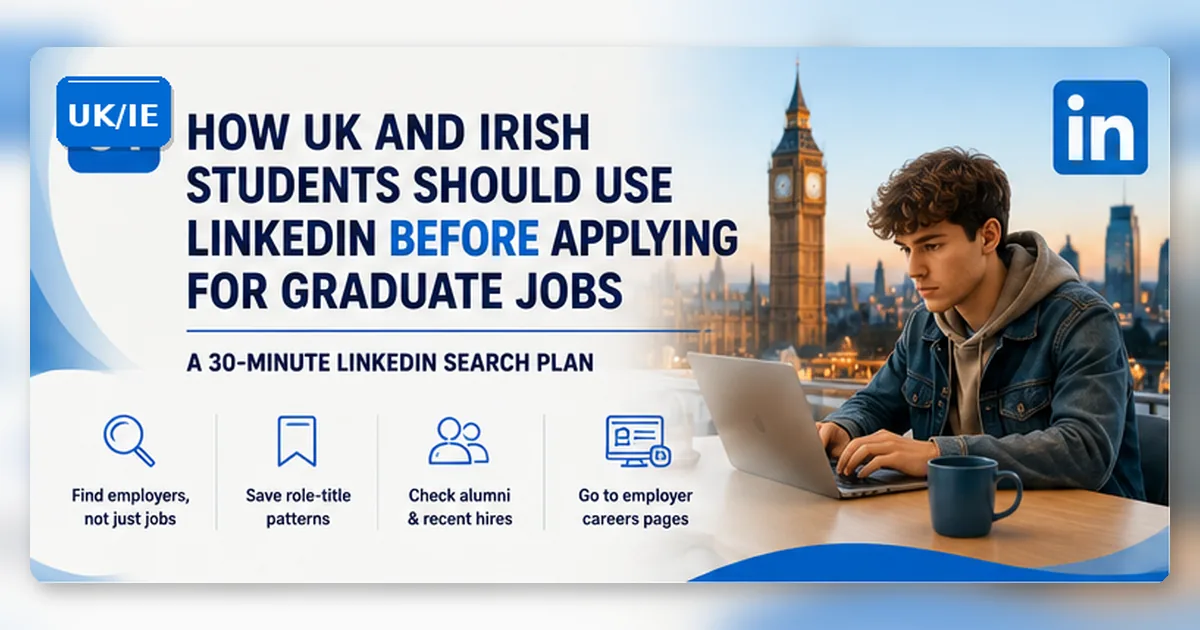
LinkedIn is useful for graduate jobs, but only if you stop treating it like a noisy job board.
Most students open LinkedIn when they feel behind. They type “graduate jobs”, scroll for ten minutes, save three roles they will never revisit, and then feel worse. That is not a strategy. It is anxiety with a search bar.
Use LinkedIn for what it does well: finding employers, spotting role-title patterns, checking where recent graduates actually land, and moving from a vague idea — “I want something in consulting, marketing, data or finance” — to a concrete target list.
Use LinkedIn for discovery, not blind volume
A good LinkedIn session should produce evidence, not just activity.
After 30 minutes you should have:
- five employers to check on their own careers pages;
- ten role titles or search phrases to reuse;
- three alumni or recent hires to learn from;
- two vacancies worth reading properly;
- one next action, not twenty open tabs.
The UK and Ireland graduate market is competitive, but not empty. HESA’s Graduate Outcomes results for the UK class of 2023/24 reported that most graduates were in work or further study 15 months after graduation, while the HEA’s Class of 2024 survey reported that most Irish graduates were working or due to start work nine months after graduation. Those figures should calm the panic. They should not encourage passive searching.
If grades are part of your worry, read GradSharp’s guide to 2:2 graduate schemes. If you are finding roles but not converting them into applications, pair this article with Cover Letters in 2026.
What students usually get wrong
The first mistake is searching too broadly. “Graduate jobs London” or “graduate jobs Ireland” returns a messy mix of schemes, sales roles, internships, recruitment adverts, expired posts and jobs that only sound graduate-friendly.
The second mistake is staying inside LinkedIn too long. LinkedIn can help you discover the role. It should rarely be the only place where you verify the role.
The third mistake is copying what other students are doing. If everyone is applying to the same visible graduate schemes, your advantage comes from finding adjacent employers, smaller teams, regional offices, related job titles and application routes that other students miss.
The 30-minute LinkedIn search routine
Use this routine when you are about to apply, not when you are casually browsing.
| Time | What to do | What you should produce |
|---|---|---|
| 0–5 minutes | Choose one role family and one geography | “Data analyst, Manchester” or “marketing graduate, Dublin” |
| 5–12 minutes | Search jobs and save employers, not just vacancies | Five employer names |
| 12–20 minutes | Record role-title patterns | Analyst, associate, trainee, junior, assistant, coordinator |
| 20–27 minutes | Search people and alumni | Three profiles that show realistic routes |
| 27–30 minutes | Move to employer careers pages | Two roles to verify outside LinkedIn |
Do not change role family halfway through. One session for marketing. One for data. One for operations. Mixing everything together makes your notes useless.
Search employers, not just jobs
The job advert is only one clue. The employer is often more valuable.
When you find a relevant vacancy, open the company page. Check:
- other jobs at the same employer;
- where the office is based;
- whether graduate or junior roles appear regularly;
- employees with similar degrees;
- role titles used by recent hires;
- whether the company sends you to its own careers site.
This is how you find employers that do not shout “graduate scheme” but still hire early-career people.
Use alumni carefully
Alumni search is not for stalking people or copying their career. It is for pattern recognition.
Look for:
- degree subjects that resemble yours;
- first job titles after graduation;
- cities where graduates actually work;
- employers that appear repeatedly;
- internships, society roles or part-time work that gave people evidence.
Do not assume every alumni profile is current, complete or representative. One profile is a clue. Ten similar profiles are a pattern.
Use LinkedIn posts carefully
Public posts can help you spot what recruiters and careers teams are discussing, but they are not proof of employer rules. A viral post about graduate applications does not tell you the deadline, assessment process or eligibility criteria for a specific employer.
Use posts for ideas. Use employer careers pages for decisions.
Role language and evidence improve the search
Role-title language matters. A student searching only “graduate marketing” may miss “marketing assistant”, “campaign coordinator”, “brand executive”, “customer insight analyst” or “commercial associate”.
Location matters. A role may be hybrid, but the office still affects commute, networking, training and whether you can realistically stay in the job.
Evidence matters. If recent hires have projects, internships, language skills or part-time work that fits the role, ask what evidence you can show before applying.
Posting volume and mass networking are secondary
Posting constantly matters less than people say. Most students do not need to become LinkedIn creators.
A perfect banner image matters less than a clear headline, readable experience entries and a profile that matches your CV.
Connections matter less than relevance. One useful alumni conversation beats 200 random recruiter connections.
Checklist: a useful LinkedIn session
Before you close LinkedIn, check that you have:
- one role family;
- one geography;
- at least five employers;
- ten search phrases;
- three people profiles that teach you something;
- two employer careers pages opened;
- one application or research task scheduled.
If you cannot point to anything concrete, you were browsing, not searching.
Build a LinkedIn target list
Day one: run the 30-minute routine for one role family and one region. Build a tracker with employer, role title, location, careers-page link and next action.
Day two: repeat the routine with a different role title. Compare what changed. If you found better roles by changing one keyword, keep a search phrase bank.
By the end of two days, you should have fewer random tabs and a better target list.
FAQ
Should students apply directly through LinkedIn?
Sometimes, but do not default to it. Use LinkedIn to discover the role, then check the employer site. If the employer site has a fuller form, stronger guidance or mandatory questions, use that route.
Is LinkedIn useful for first-year or second-year students?
Yes, but the task is different. Earlier students should use LinkedIn to understand role titles, sectors and evidence gaps, not to panic about final-year deadlines.
Should I message alumni before applying?
Only when you have a specific, respectful question. “Can you help me get a job?” is weak. “I noticed you moved from economics into risk consulting — was your first role called analyst or graduate analyst?” is better.
Does LinkedIn replace university careers services?
No. University careers services can help with CVs, applications, fairs and employer contacts. LinkedIn helps you expand your employer map.
Source-checked notes
Checked on 15 June 2026 against Graduate Outcomes UK data, HEA Graduate Outcomes Ireland data, LinkedIn Help and UCAS student LinkedIn guidance. LinkedIn was treated as a discovery tool only. Applicants should verify deadlines, requirements and application steps on live employer pages.